LightWave Plugin
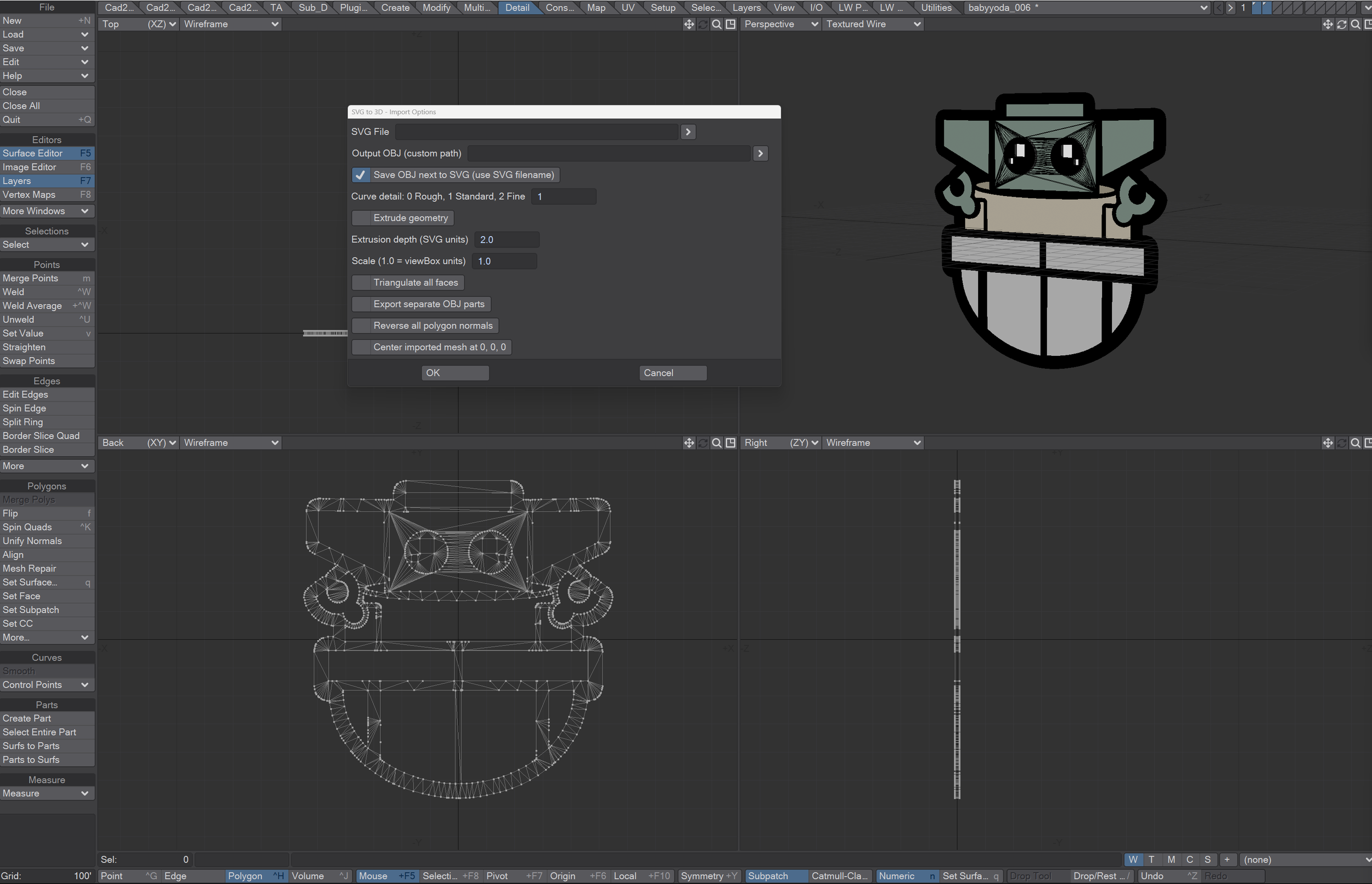
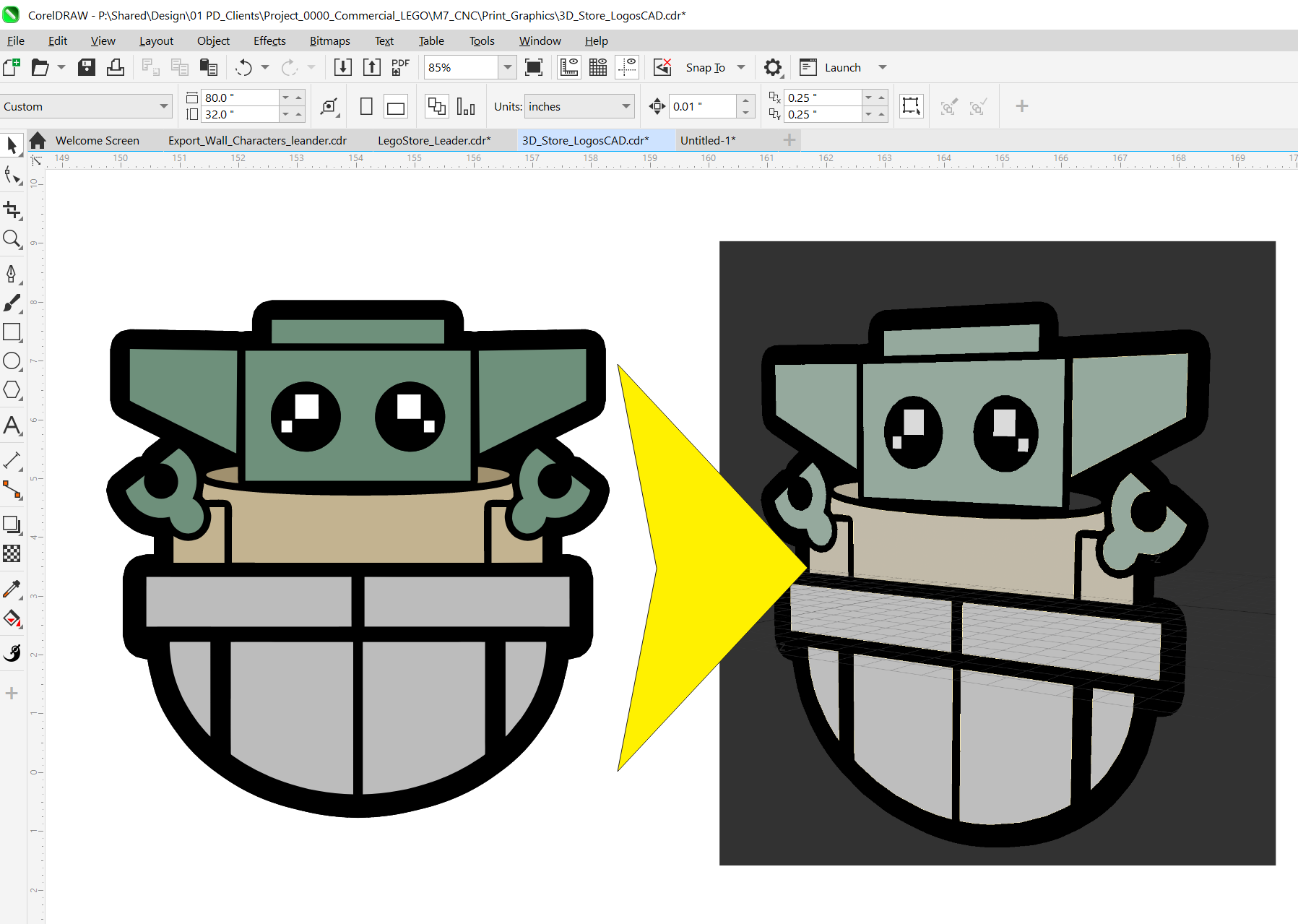
Loading Vector Art in LW has it’s shortcomings. To solve this I created a plugin/python scripts with the help of AI to use in Lightwave Modeler and Layout. It allows the import of SVG files and will maintain several advantages to the original vector file. The main one is the parts as well as keeping material color (based on the Hex of the SVG file) It will auto create an OBJ when loaded. It can also separate the SVG into layers. For the CAD work we do with CNC functions this helps aid into the conversion quicker. Enjoy! : D
Lightwave SVG Importer
Steps:
Requires Python to be set to v3.13 in Modeler and/or Layout
UnZip Plugins to a LW plugin Folder
(recommend to use your C:\Users\XXXXX\.LightWaveDigital\MyPlugins)
Go to Utilities and Add “LW_SVG_Importer_Modeler.py” *do the same for Layout and Multi OBJ plugin
Add Button to GUI Edit>Edit Menu Layout
Add the button somewhere under the Menus>”Load” Area
serch SVG in the command prompt to find LW SVG Importer button and Drag it under the “Load” Area
Using the Plugin
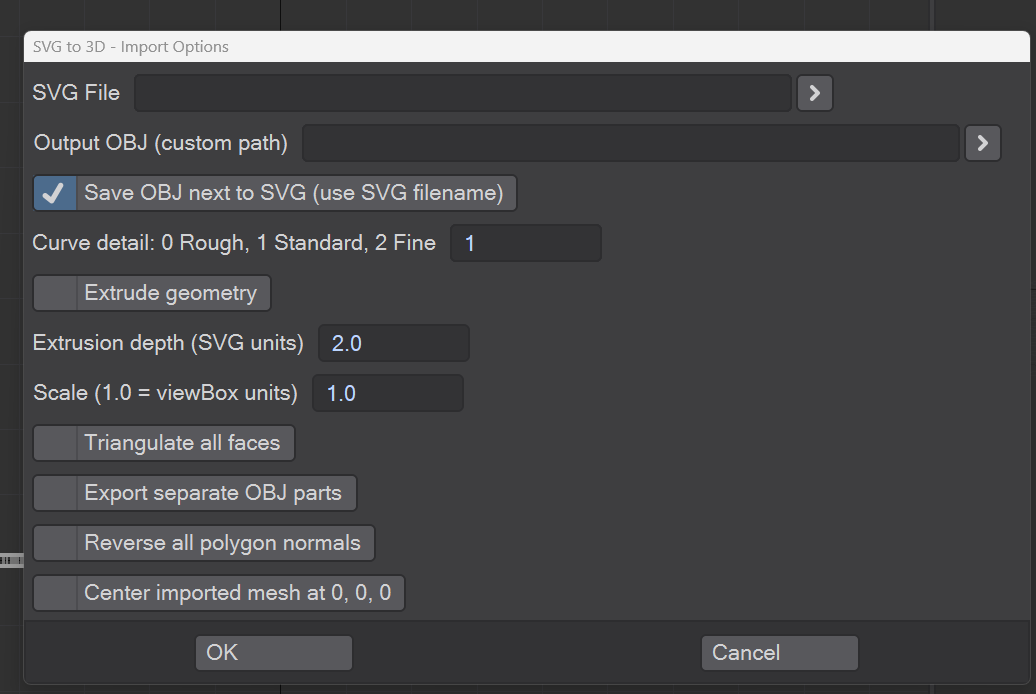
Choose SVG File
For output choose path or just check Save OBJ next to SVG file (it will add _001 prefix when loading svg file more than once.
Curve Detail Input: 0 Rough, 1 Standard, 2 Fine (1 by default)
Extrude Geometry Checkbox: use to give vector shapes depth
Scale: Set Scale
Other options:
Triangulate all faces (Default will try to keep n-gons/quads)
Export separate OBJ parts (will save out each vector shape as different OBJ files.) Use the LW_Multi_OBJ_Layer_Loader_v1.0 plugin to load the Multiple OBJs if wanting them in individual modeler layers..Just select the first OBJ parts model (“part_0001.obj” ) Steps and Plugin Info Below.
Reverse all polygon Normal (tries to correct poly normals) This usually doesn’t work so well, so some correction will need to be made with flipped poly normals)
Center Imported Mesh at 0,0,0
Hit OK to load
LW Multi OBJ Layer Loader Modeler Script
Using the Plugin
Select the LW Multi OBJ Layer Loader Modeler button *to add it do the same as Steps 3-5 as listed in the Lightwave SVG Importer info
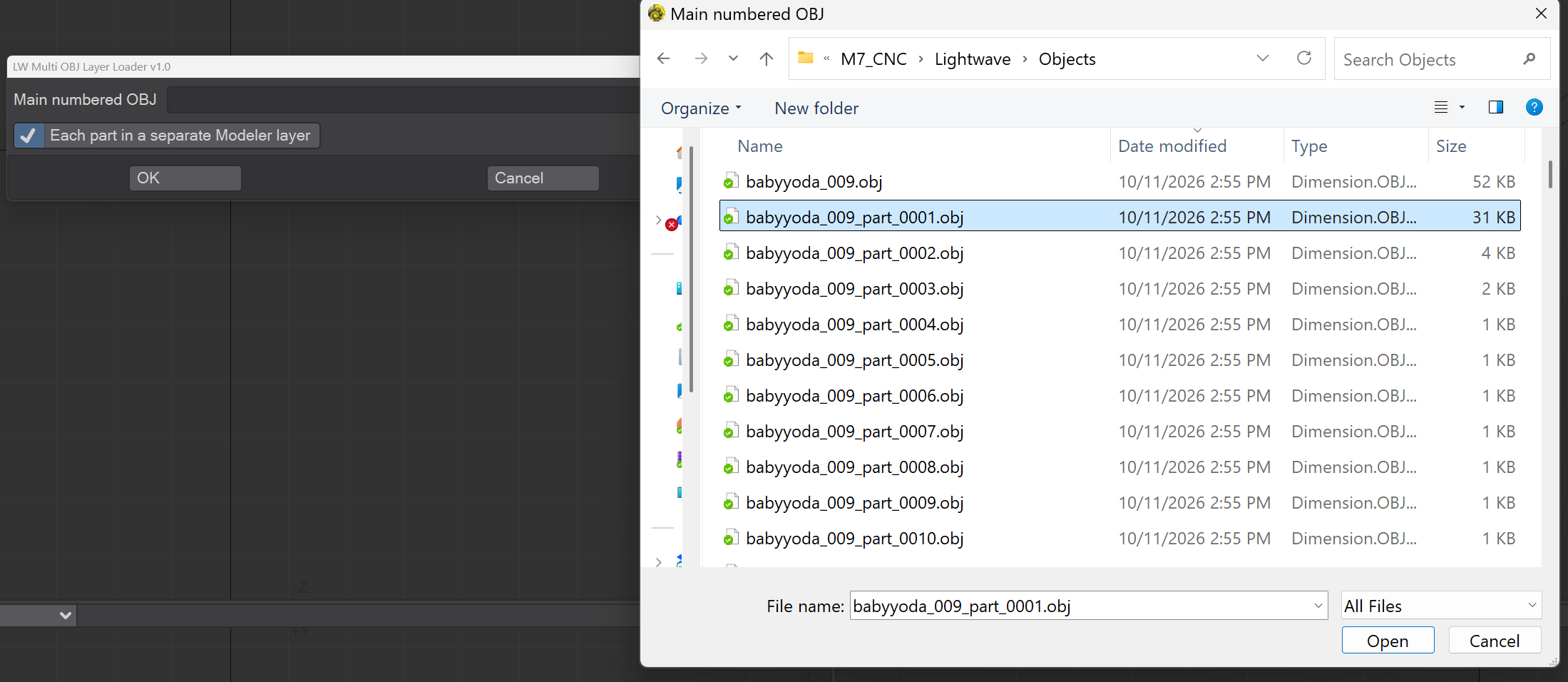
Select Only first parts Object/mesh/Obj (FileName_part_0001.obj” ) (the OBJ created by the Lightwave SVG Importer
Make sure Each Part in separate Modeler layer is checked (checked by default) If off it will load all parts to one layer.
Hit OK
Each OBJ part mesh will be placed into modeler layers
Tutorials
ABOUT WHO....?

Hello, and Welcome… My name is Tony Prohl
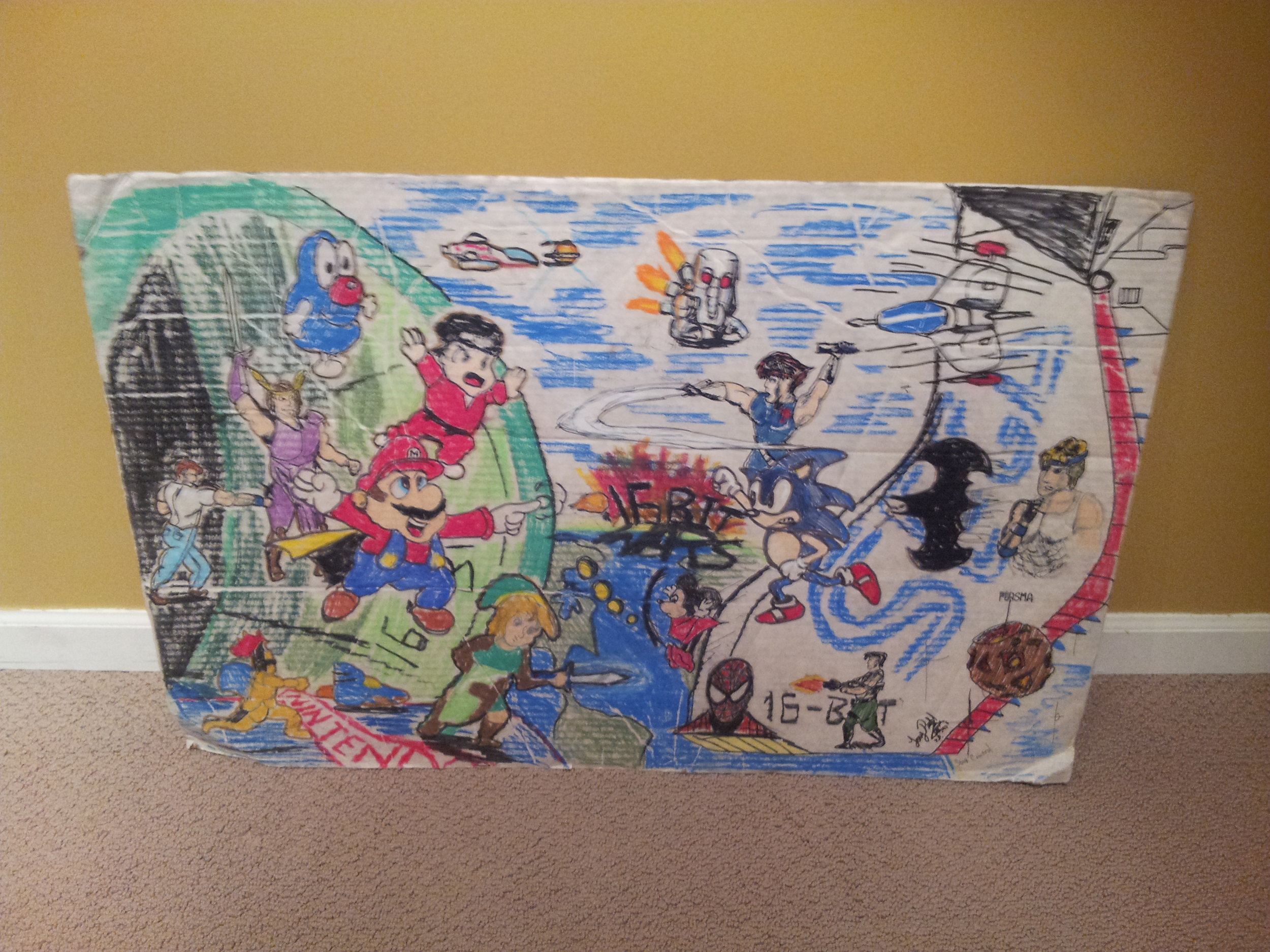
and I was raised right-outside of Chicago IL, such a vibrant and colorful place to live. From a very young age I had a passion for art, and I loved comics, 80’s Cartoons (GI JOE, TRANSFORMERS, and Looney Tunes) Movies and Video games (NES, GENESIS). I was always fascinated by these mediums and that lead me to pursuing my art degree in Film and Video with a concentration in computer animation. All this magic happened at Columbia College, in wonderful downtown Chicago.
During my last years at college I worked as a 3D artist at a post house assisting with commercial work for various projects, including PowerBall, Jewel, and Educational CD-Roms. After graduation I accepted my first long-term job at WMS Gaming acting as a studio art lead creating 2D and 3D animation for many casino games. My work expands 18+ years at WMS gaming producing art for many gaming first: Monopoly titles, Clint Eastwood’s Series, Top Gun and more!
I was the Senior Lead of the 3D Studio "CRAZY PANDA" at WMS until DEC 2014. During that time I Art Directed the 3D content for many Triple AAA tiles using both real-time and pre-rendered techniques. These amazing products are: Reel'em In CTW, REI CI, Battleship, Iron Man 1 and 2, Wonka, LOTR products, Clue, Aladdin,Price Is Right, Attack on Mars, Monopoly products and Wizard of Oz games.
On the side I am the co-creator of Nite Light Animation Studios. Nite Light serves as a foundation where I can build on my creative energy and grow as an artist. The first example of this is the CGI short film “The Gnat and the Lion.” I have also done some freelance work for The Marketing Store and Qwest.
I am also co-creator of a App based company call "Magic Hat Apps" We have release our first product called Zombie Bop! It was released over the summer of 2012 on IOS and Android/Kindle devices. The app was made using Lightwave and Unity. I have also been very lucky with doing a lot of various contract work expanding from casino apps and even product art.
After many years in the gaming industry, it took me to sunny Austin, Texas as the Art Director of DGN Games. Supporting the Art Vision for the popular app: Old Vegas Slots and Lucky Time Slots.
I've been in the media/gaming industry for well over 25 years and have many hats expanding my art skills into 2D/3D Artist, Creative Director, Director of Games, Art Director, Game/Feature Designer, and even Marketing. I am so excited about the future and the opportunities that await me. I know I am ready...bring it on! : )
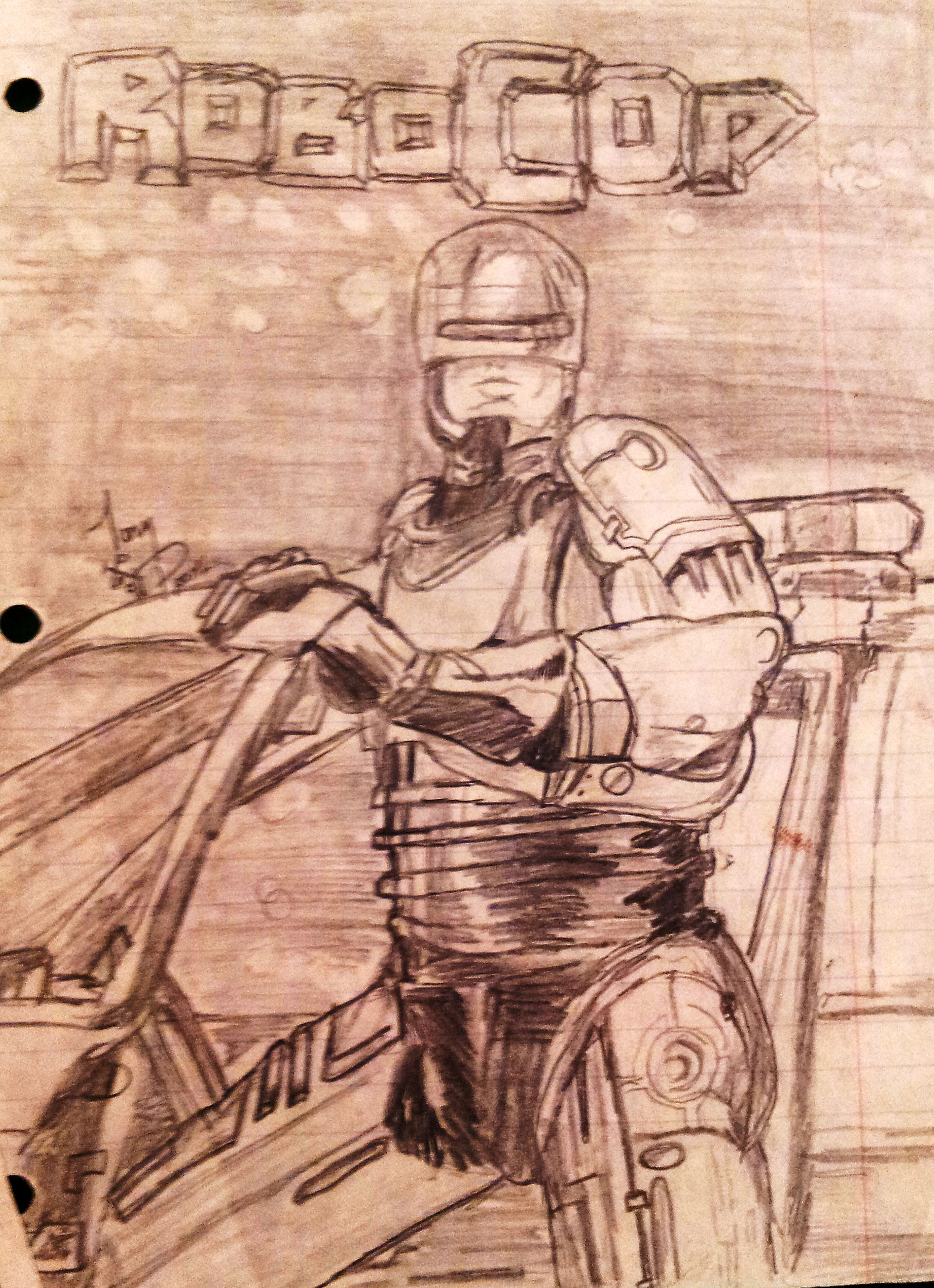
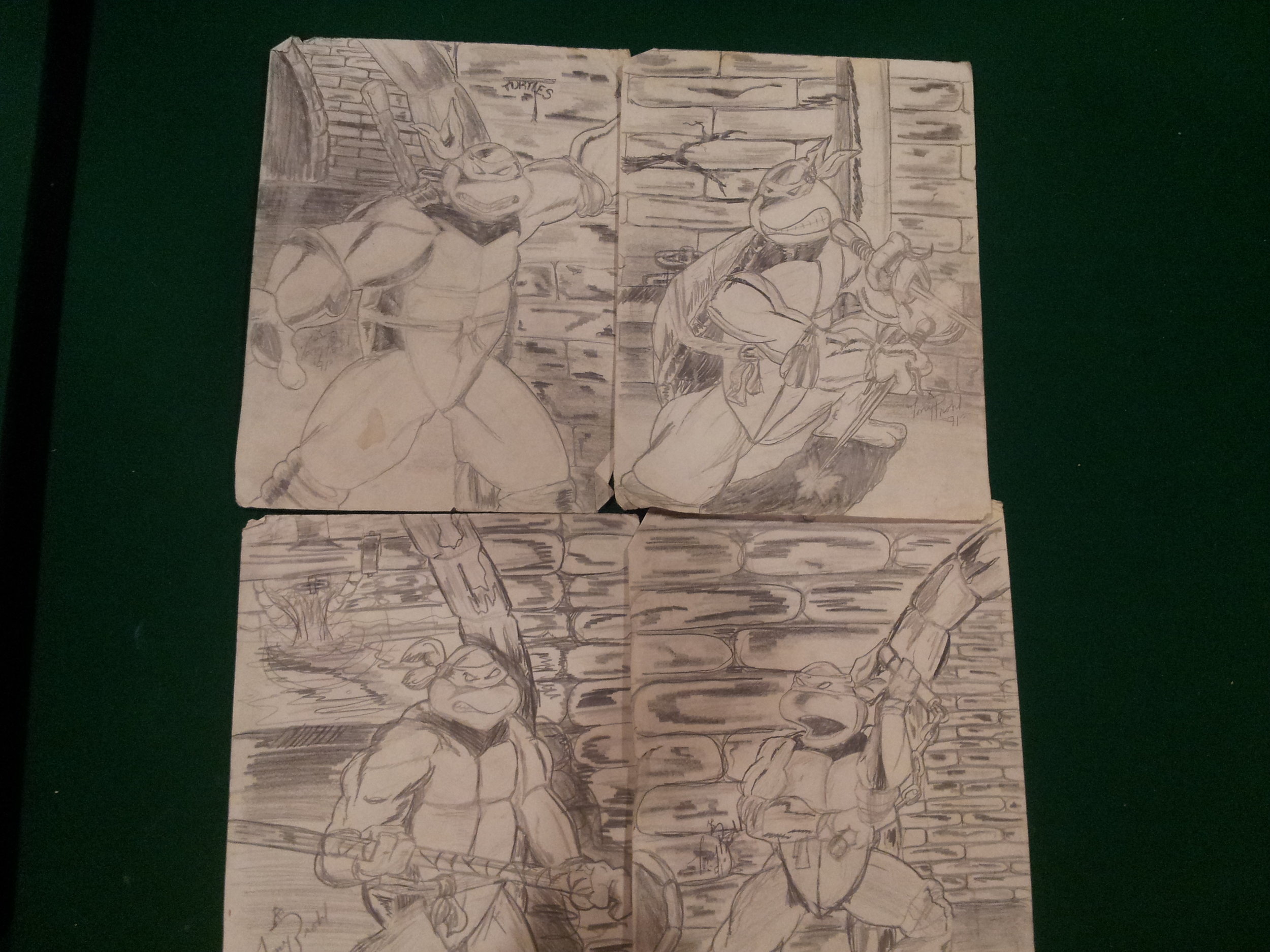
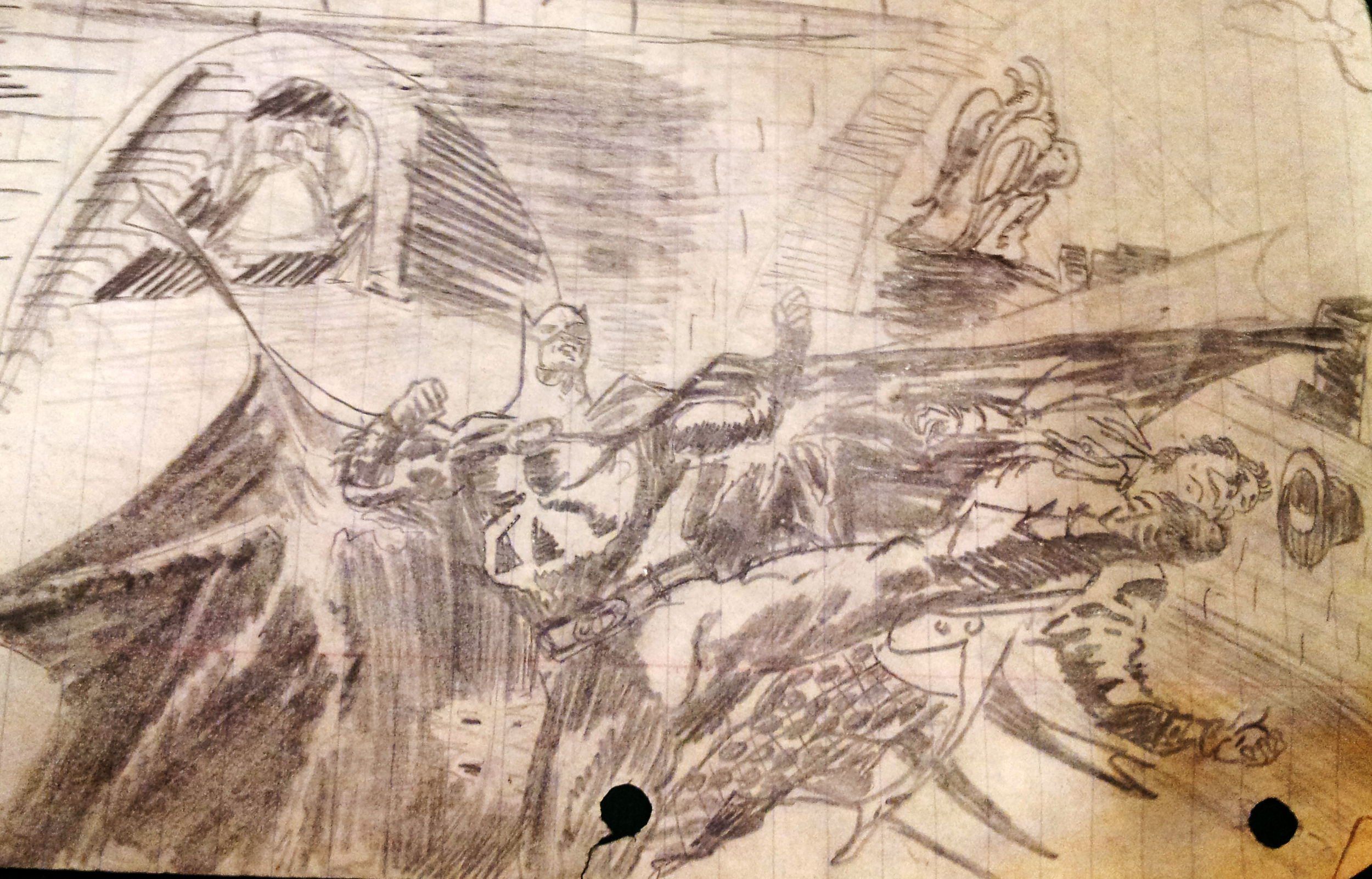
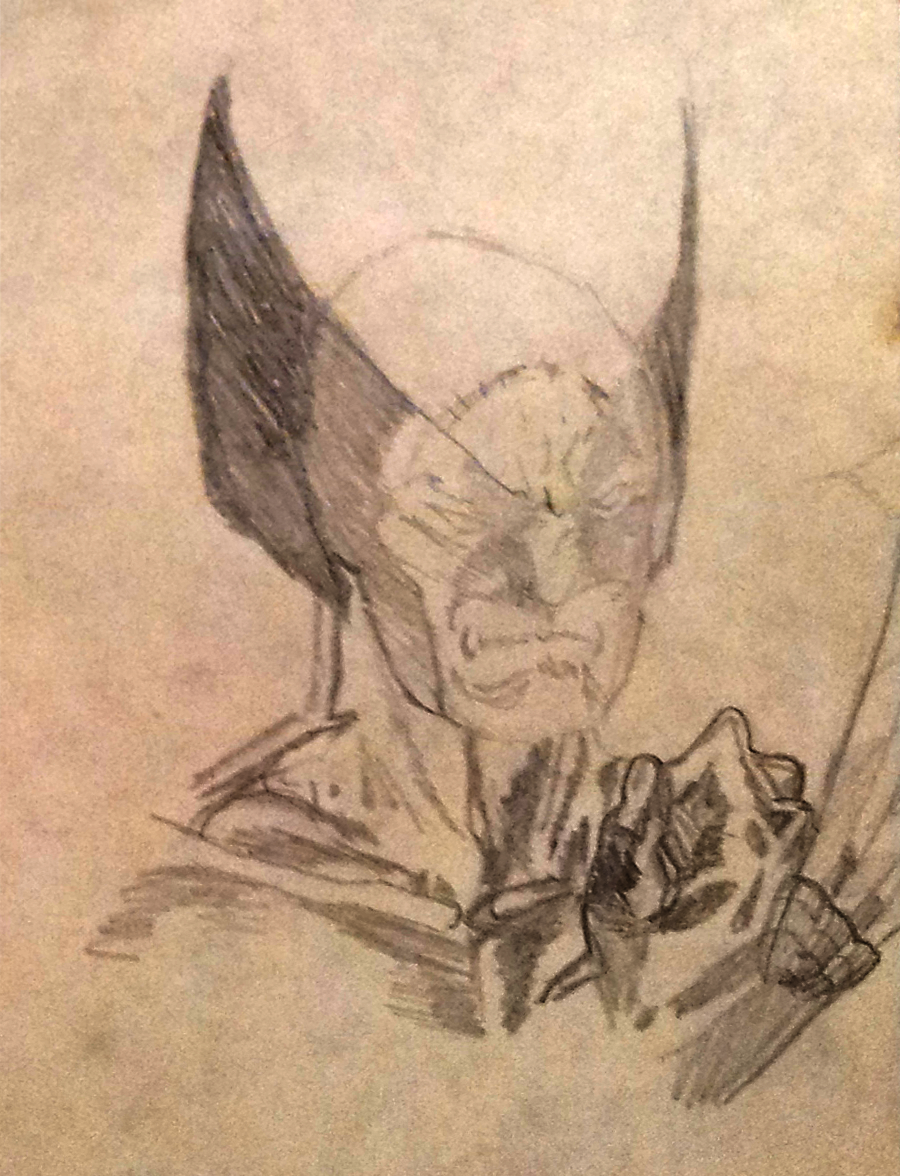
When I was a child works…
Work Experience
DGN GAMES 2015-2018 - Art Director
WMS GAMING 1998-2014 - Senior Art Lead - 3D
NiteLightStudios: Co-Owner/Artist
MagicHatApps: Co-Owner/Designer/Artist
Evening Hustle: Freelancing
Contact
3dgraphxyz@gmail.com
630.569.9289