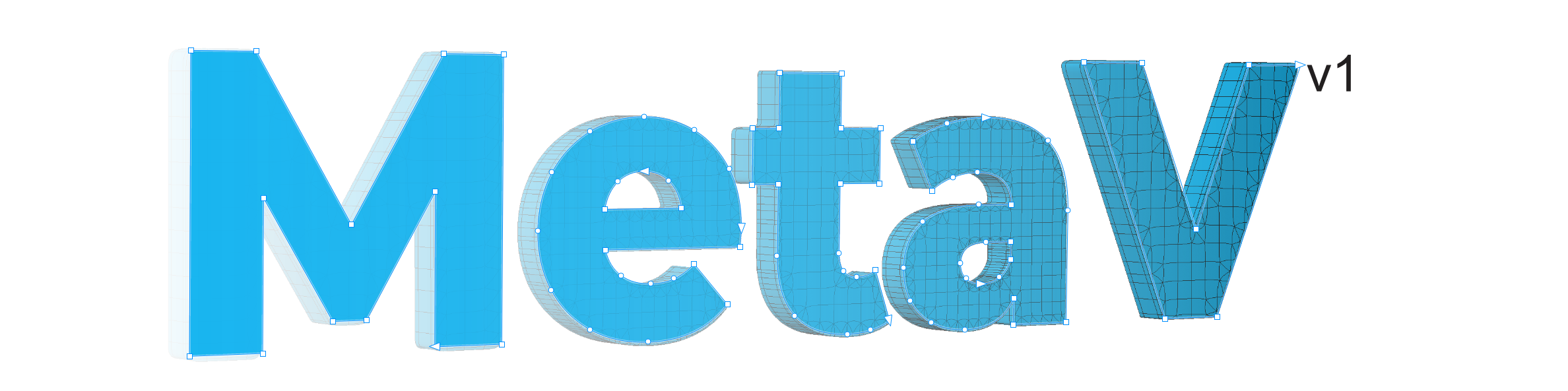
3DGRAPHX · LIGHTWAVE 3D TOOLS
MetaVector3D
Bring vector or raster artwork into LightWave as editable 3D geometry.
MetaVector3D
Bring vector artwork into LightWave as editable 3D geometry. Import SVG paths, build extrusion-ready meshes, organize objects into layers, and explore multiple topology modes in Modeler and Layout.
From 2D vectors to 3D models
MetaVector3DImport is designed for logos, lettering, illustrated shapes and other vector artwork. Work from an SVG file, or use the supported CorelDRAW / Illustrator selection workflow.
Vector source
Load SVG artwork and preserve useful object naming when creating LightWave layers.
Geometry & extrusion
Control scale, centering, face direction, extrusion depth, edge support and mesh topology.
Modeler + Layout
Separate artwork into native layers for an editable 3D workflow in both applications.
Typical workflow
Settings reference
The options below follow the V1.1.0 importer interface. Some controls are available only in certain topology modes or source workflows.
Note: This guide describes the available controls, not guaranteed results for every SVG. Review geometry after import, particularly on complex artwork.
Installation
Perpetual licensing
MetaVector3DImport V1.x uses an offline, personalized license file. To request a license, send your full name and LightWave Product Lock number to 3dgraphxyz@gmail.com.
Your license file
License files use the format MetaVector3Dv1_License_CustomerName.txt. Place the file in your MetaVector3DImport installation directory. The same license works with the Modeler and Layout plugins; no internet activation or computer-specific hardware lock is required.
Find your LightWave Product Lock in LightWave's About window. The Product Lock is recorded for license administration; the plugin does not automatically compare it against LightWave.
Request a licenseFrequently asked questions
Can I use MetaVector3DImport in both Modeler and Layout?
Yes. V1.1.0 includes plugins for both applications.
Does the plugin require internet activation?
No. License verification is performed locally using a signed TXT license file.
Can I use my license on more than one computer?
The license is not tied to an individual computer. It is intended for use under the customer's LightWave license.
What if the plugin says “No license found”?
Check that your personalized TXT license is in the plugin installation folder. If you need a license, use the Copy Email button in the plugin or contact the address below.
Can I import any SVG?
The importer supports SVG-based artwork, but results depend on how the artwork is constructed. Complex paths and holes may require inspection or cleanup.